Developer forum

Forum » Swift » Abandoned shopping cart - Rendering orderlines in email

Abandoned shopping cart - Rendering orderlines in email

Marie Louise Veigert
Reply

Hi,

Im working on Abandoned shopping cart email in marketing automation. 
Its on Dynamicweb 10.22.10 and Swift 1.

I can get the email sent with users name and email. But the orderlines part doesn't work.
Ive followed this guide but nothing is rendering. (https://doc.dynamicweb.dev/manual/dynamicweb10/marketing/abandoned-cart-emails.html?q=Abandoned+cart+recipients&tabs=General) 

I have tested and get emails on carts with orderlines. But nothing is rendered in the orderlines part - only name and email on the user.


Anyone who have got this to work?

Best Regards 
Marie Louise


Replies

 
Oleg Rodionov Dynamicweb Employee
Oleg Rodionov
Reply

Hi, 

we are in progress with reseach of the issue currently, results will be provided later a bit. 

BR, Oleg QA

 
Oleg Rodionov Dynamicweb Employee
Oleg Rodionov
Reply
This post has been marked as an answer

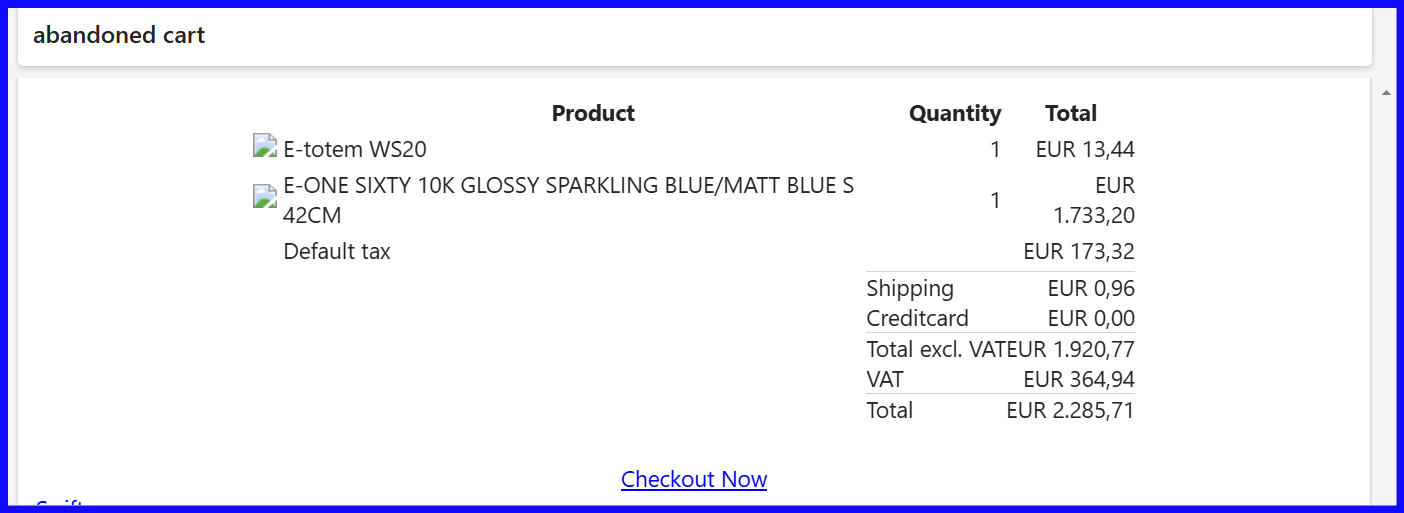
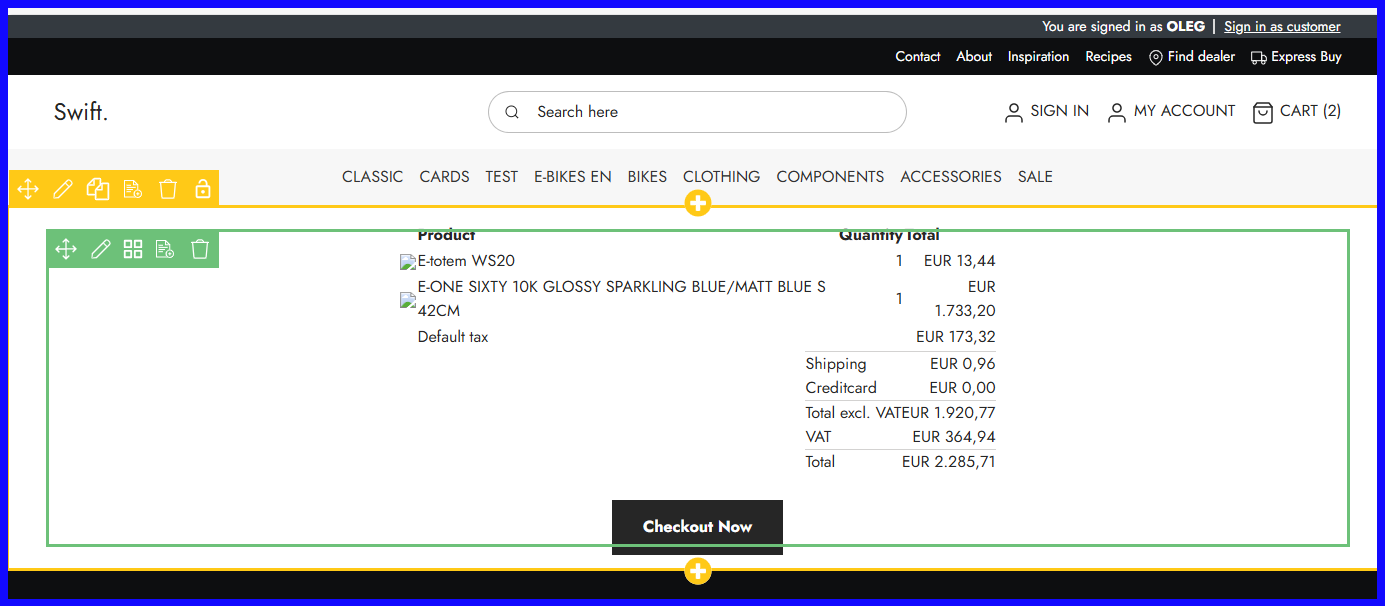
I was not able to reproduce the issue on test environment based on last DW10 R1 (10.22.10) with Swift1 at least. Attached template mentioned as example was used for 'Content order renders' app. Note the app has test mode with a cart selected allows to output the same view as one received via email.

BR, Oleg QA

Screenshot_2026-02-24_204140.png Screenshot_2026-02-24_204248.png Screenshot_2026-02-24_204336.png
Votes for this answer: 1
 
Marie Louise Veigert
Reply

Hi Oleg,

I didn't look in the Dynamicweb 9 documentation. The code snippet there worked in the visual editor, but my email still failed to sent because of a rowid is 0 error. I assume its regarding some Swift setup.
So instead I tried to take a order confirmation email template and stripped it down to just the orderlines. It worked. 

I have added the file if anyone else needs inspiration as well.

Best Regards 
Marie Louise

 
Nicolai Pedersen Dynamicweb Employee
Nicolai Pedersen
Reply

Hi Marie Louise

Glad you made it work - thank you for sharing!

BR Nicolai

 
Marie Louise Veigert
Reply

Update - I can see the one EmailOrderlines.cshtml which was included in swift 1 did work if you add the following code in the top of the template:

@inherits Dynamicweb.Rendering.RazorTemplateBase<Dynamicweb.Rendering.RazorTemplateModel<Dynamicweb.Rendering.Template>>

Code attached as well.

   
Nicolai Pedersen Dynamicweb Employee
Nicolai Pedersen
Reply

Oh - my link is Swift 2. Yours is Swift 1...

Swift 1: https://github.com/dynamicweb/Swift/blob/v1.26.8/Swift/Files/Templates/Designs/Swift/eCom/Order/EmailOrderlines.cshtml

 
Marie Louise Veigert
Reply

Ah thanks! 


You must be logged in to post in the forum